

Order Subtotal
0.00
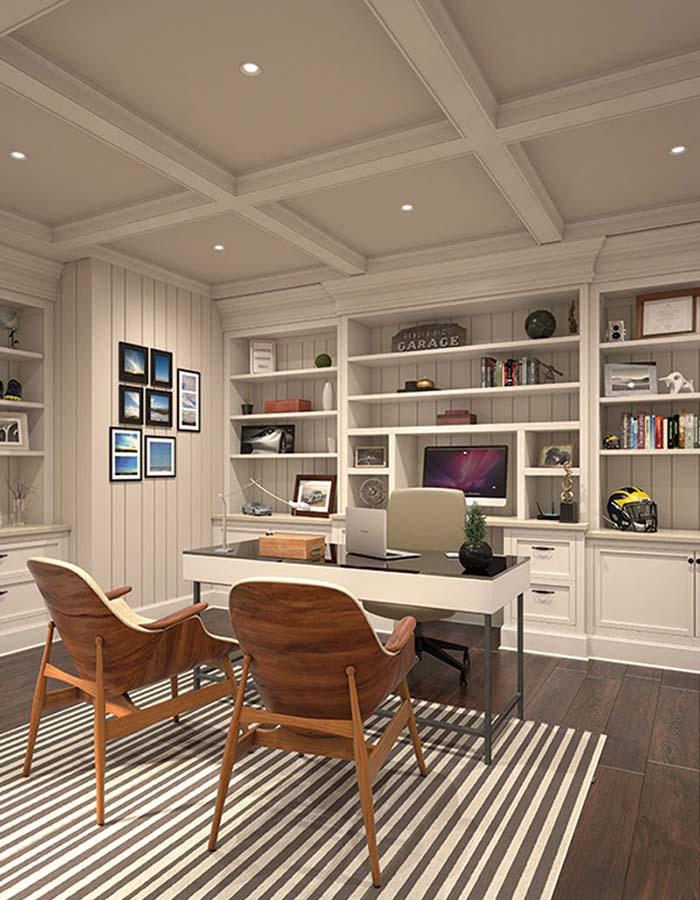
Your home office is your hub for focus and productivity. The quality of your lighting directly impacts your energy, mood, and long-term eye health. The key goal of a great lighting setup is simple: eliminate distracting glare and shadows while providing the perfect amount of light for every task.
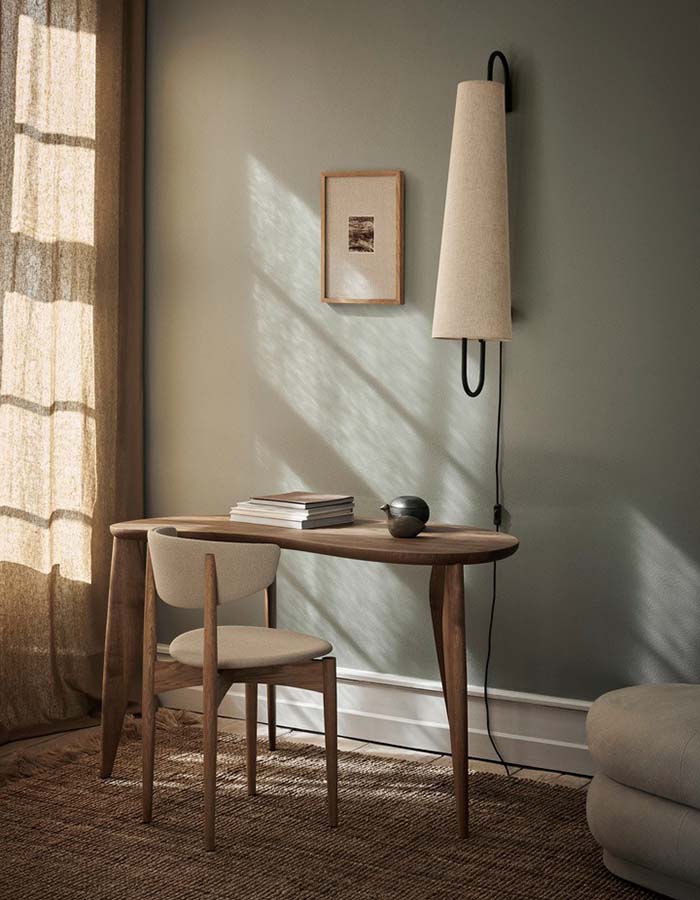
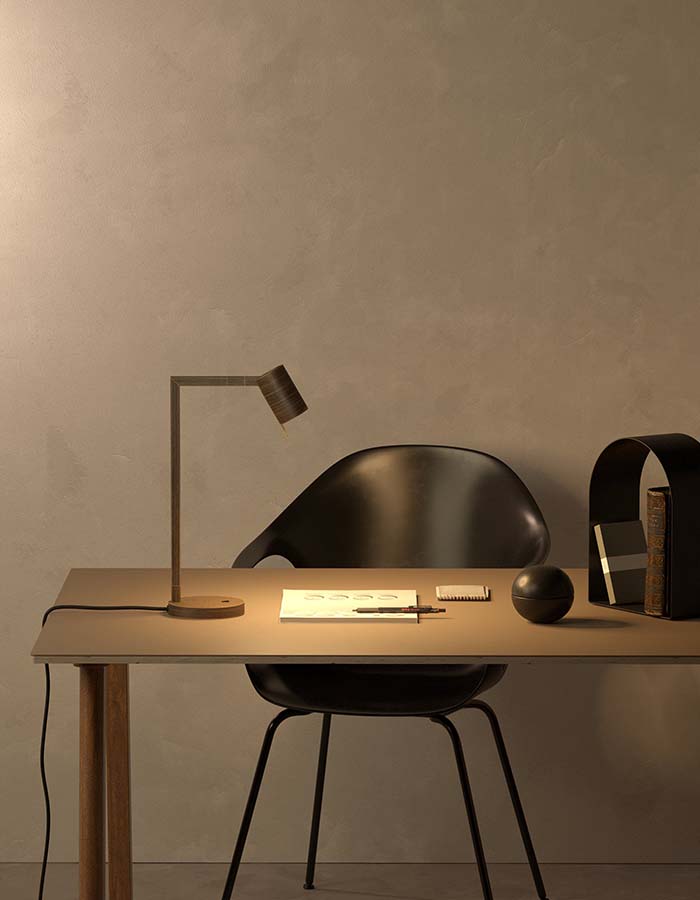
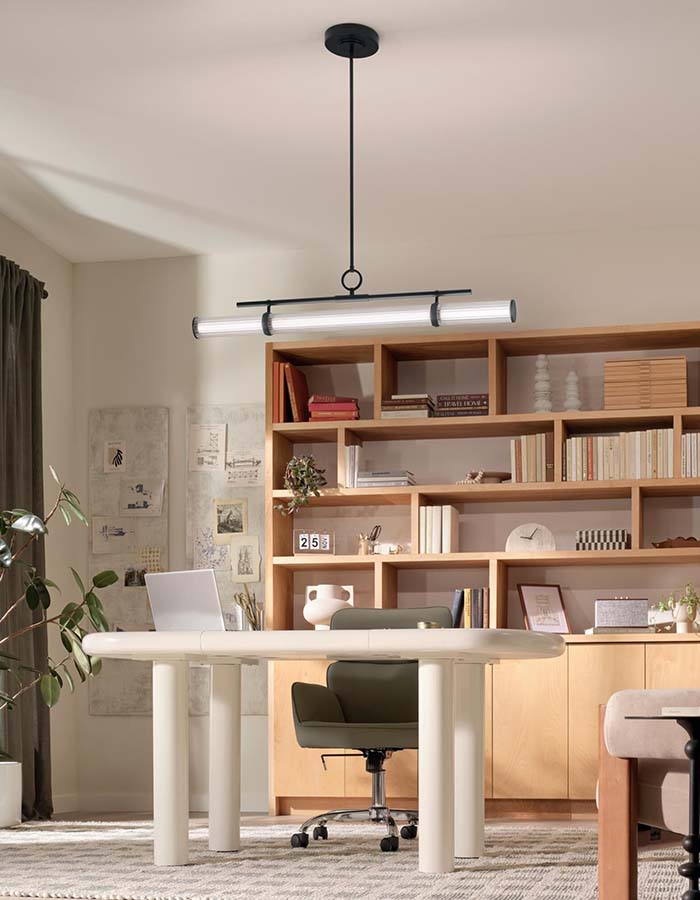
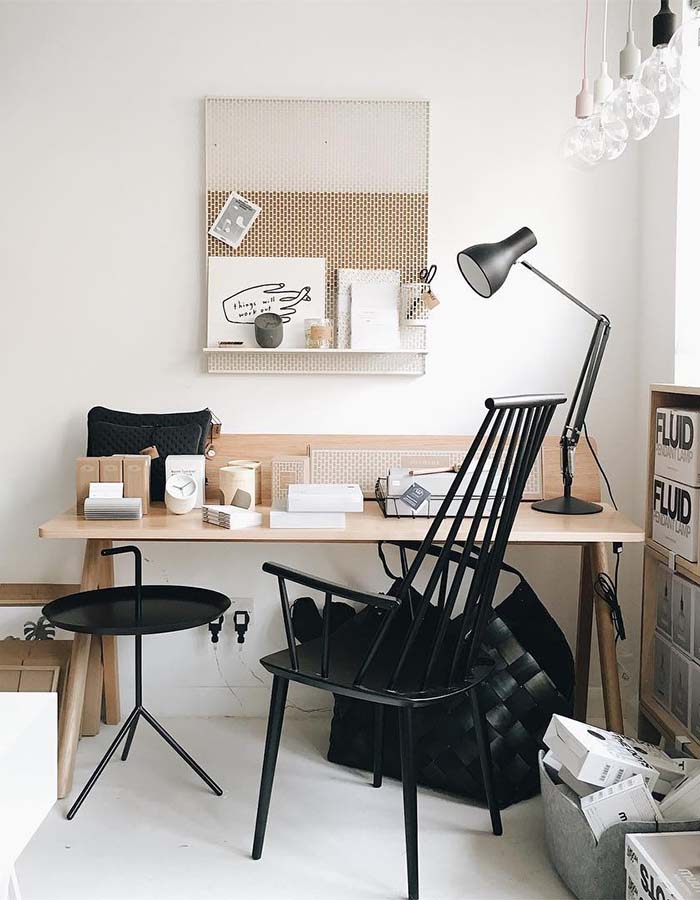
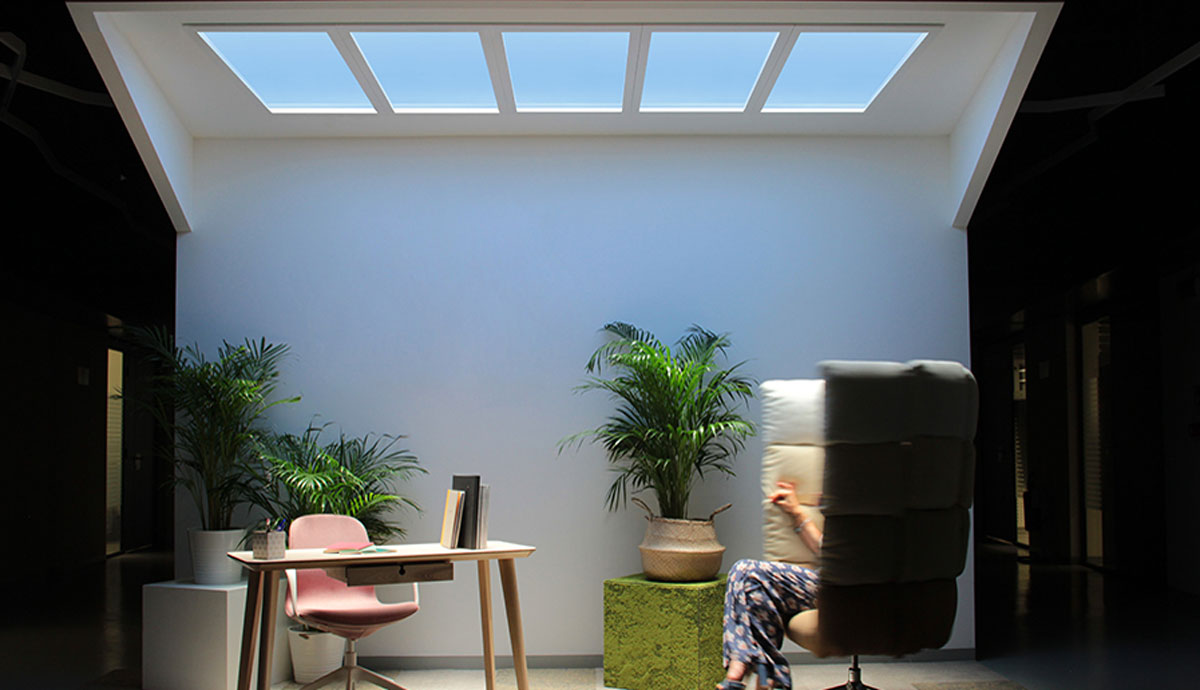
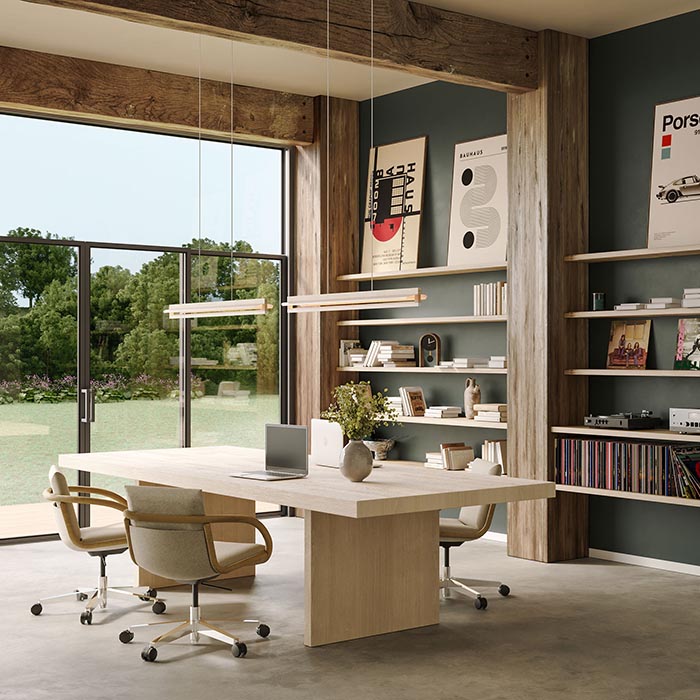
Discover complete lighting systems that work together to create perfectly balanced illumination throughout your home office. From architectural task systems like TruLine Trim to artificial daylight solutions like CoeLux simulated skylights, these systems provide the consistent, glare-free light quality that supports focus, reduces eye strain, and creates a professional workspace environment.
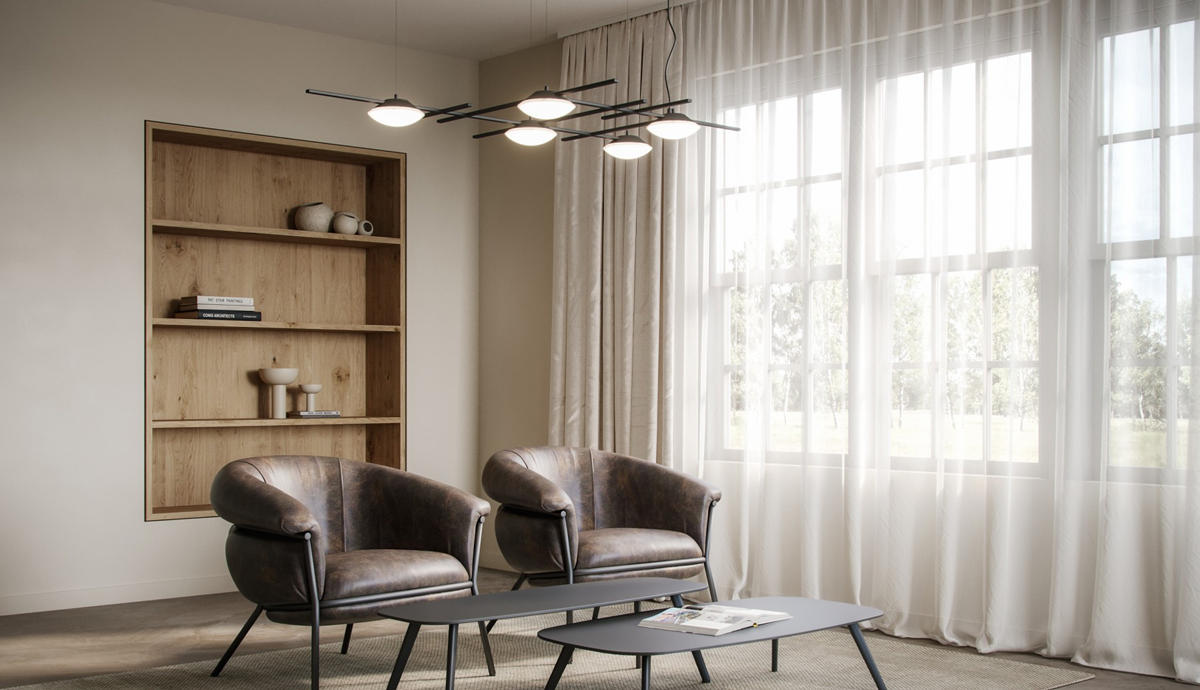
A scalable, grid-like surface-mount and suspension lighting system made of LED discs and rods.
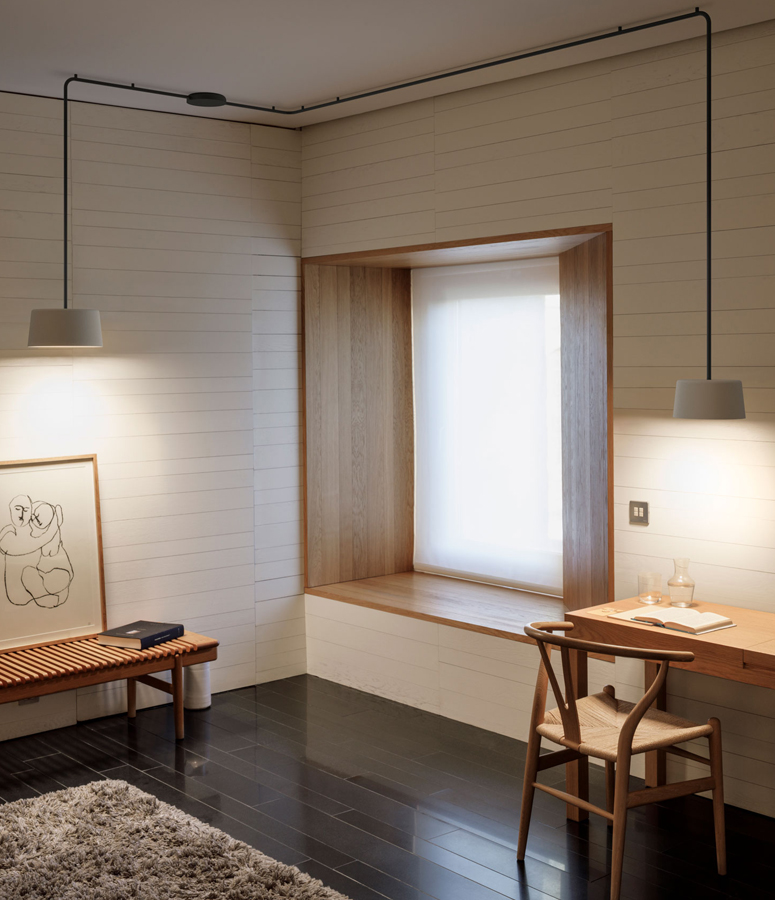
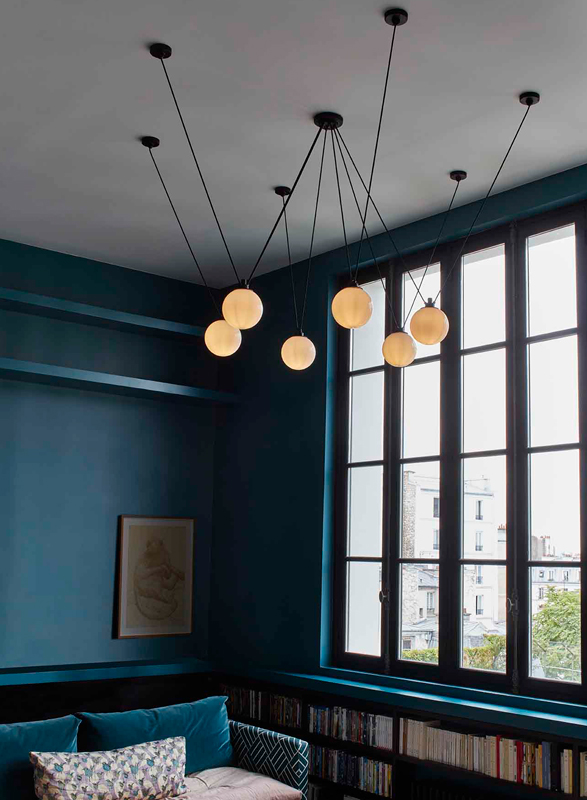
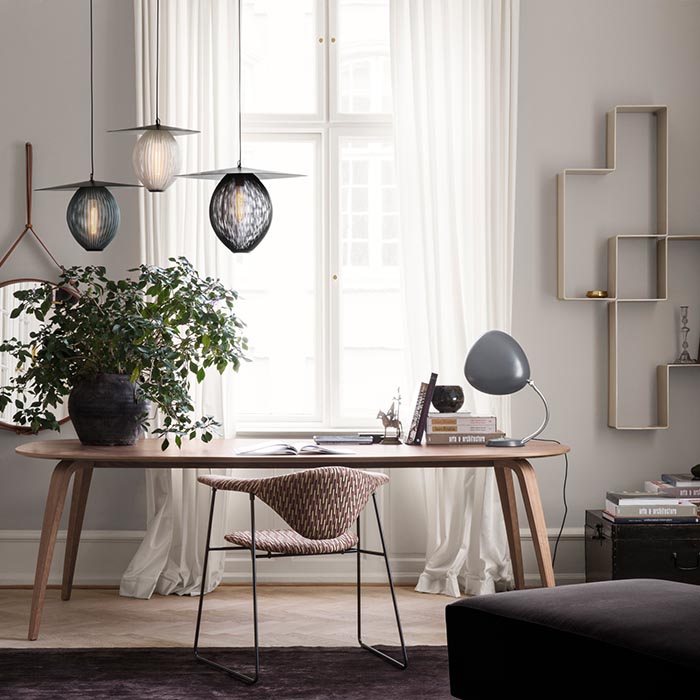
Suspendable and surface-mounted shades interconnected by tubes from a single connection.
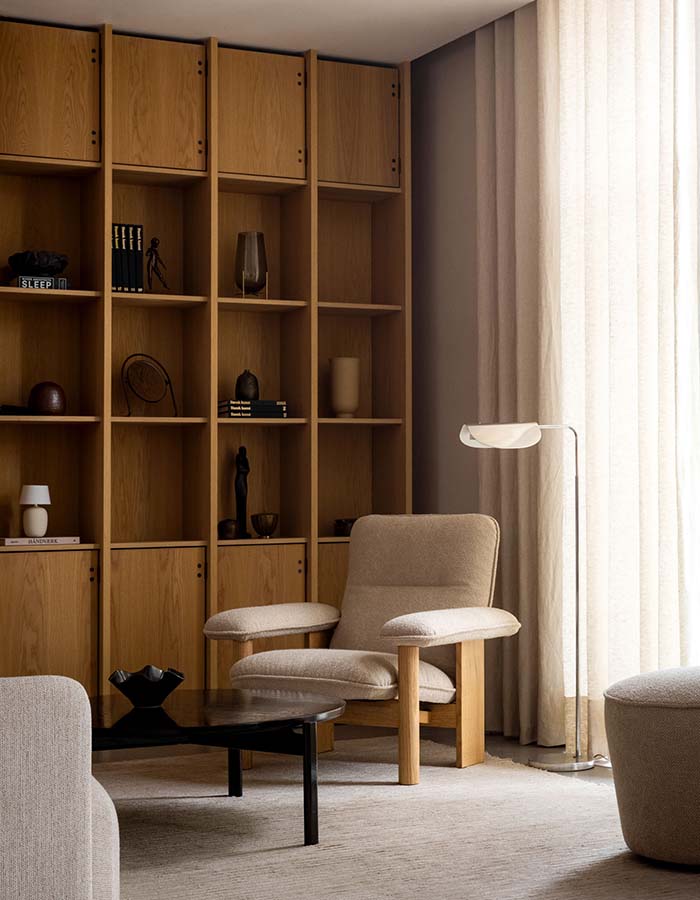
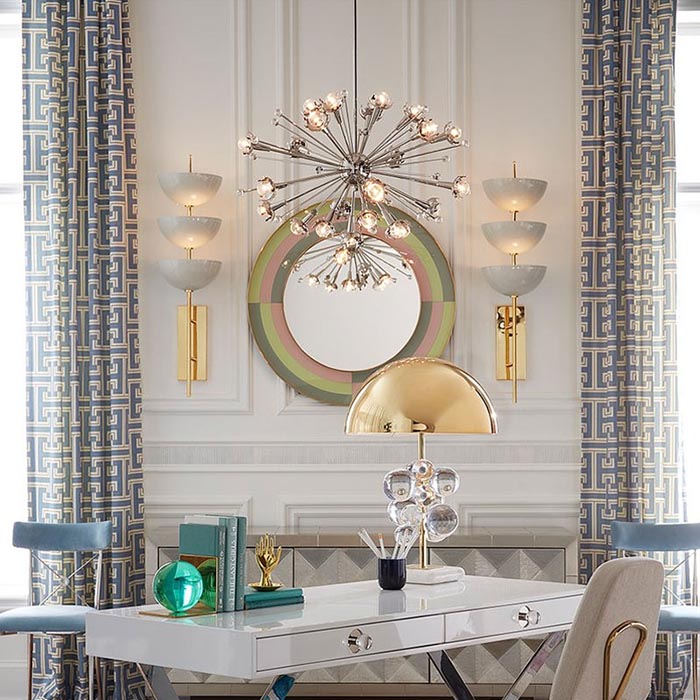
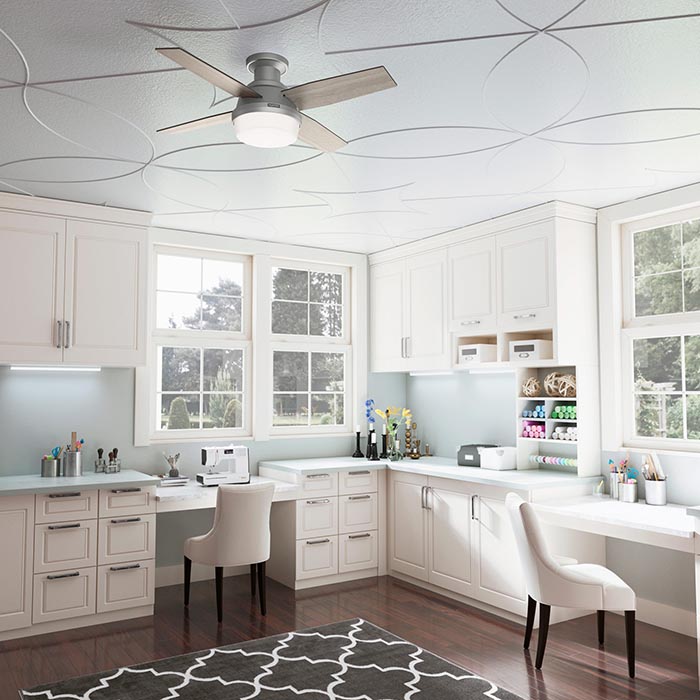
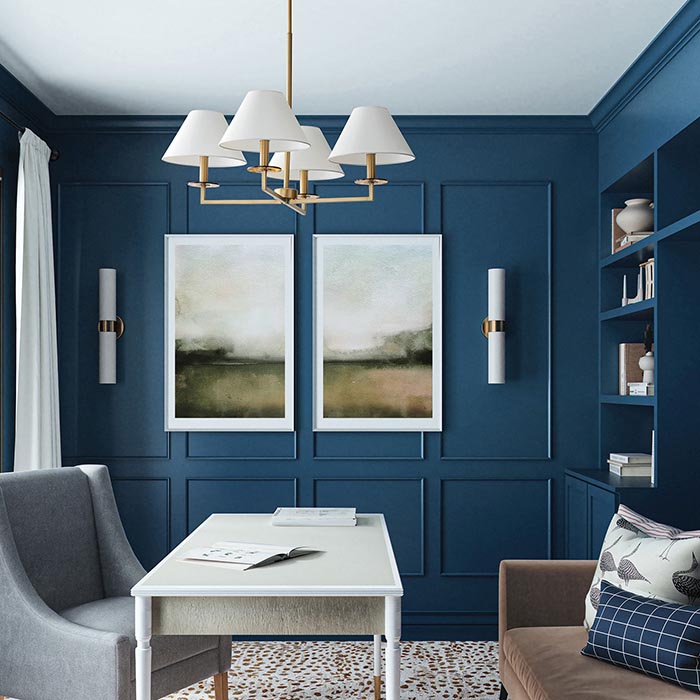
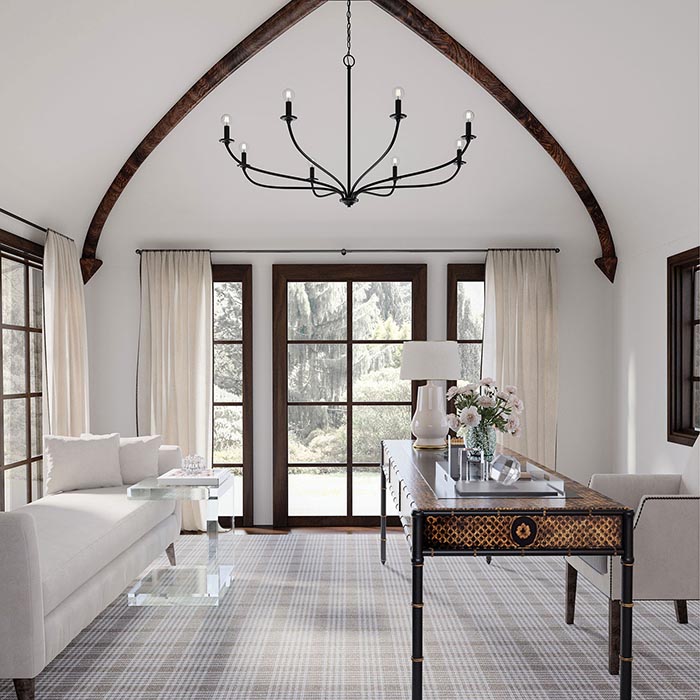
The best office setups utilize three layers of lighting to ensure maximum comfort and flexibility throughout the workday.
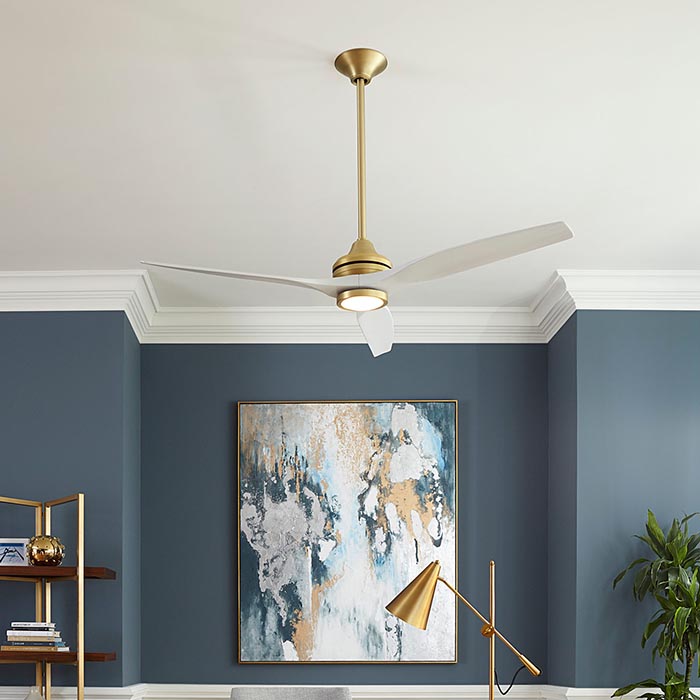
Ambient light provides the overall foundational brightness of the room. It prevents harsh contrast between your screen and the dark surrounding environment.
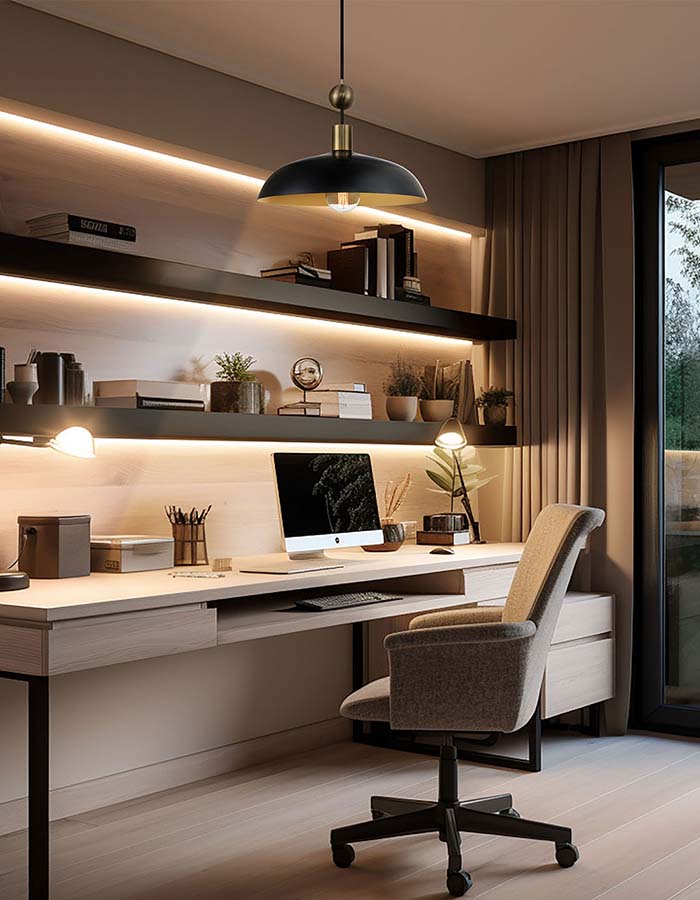
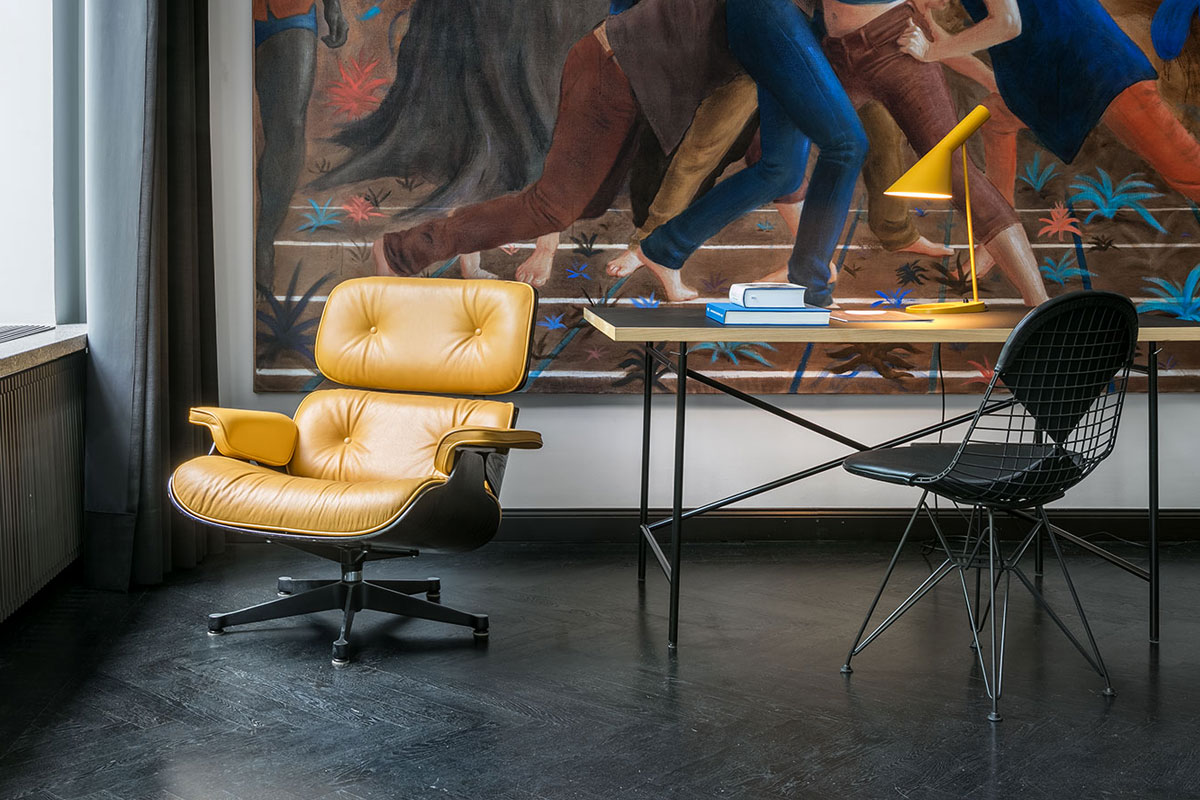
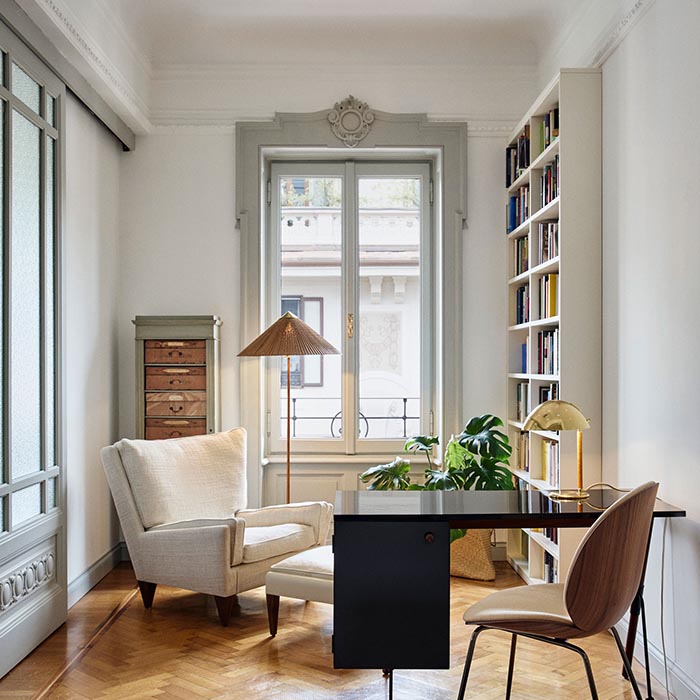
Task lighting is the most critical element for an office, as it directs bright, concentrated light exactly where you need it—on your keyboard, documents, or desktop.
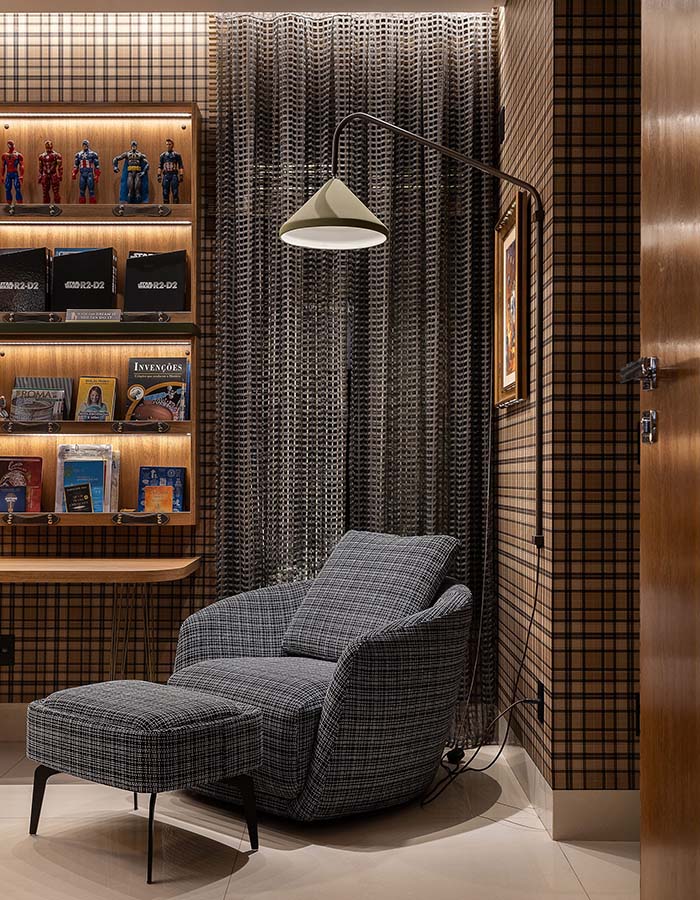
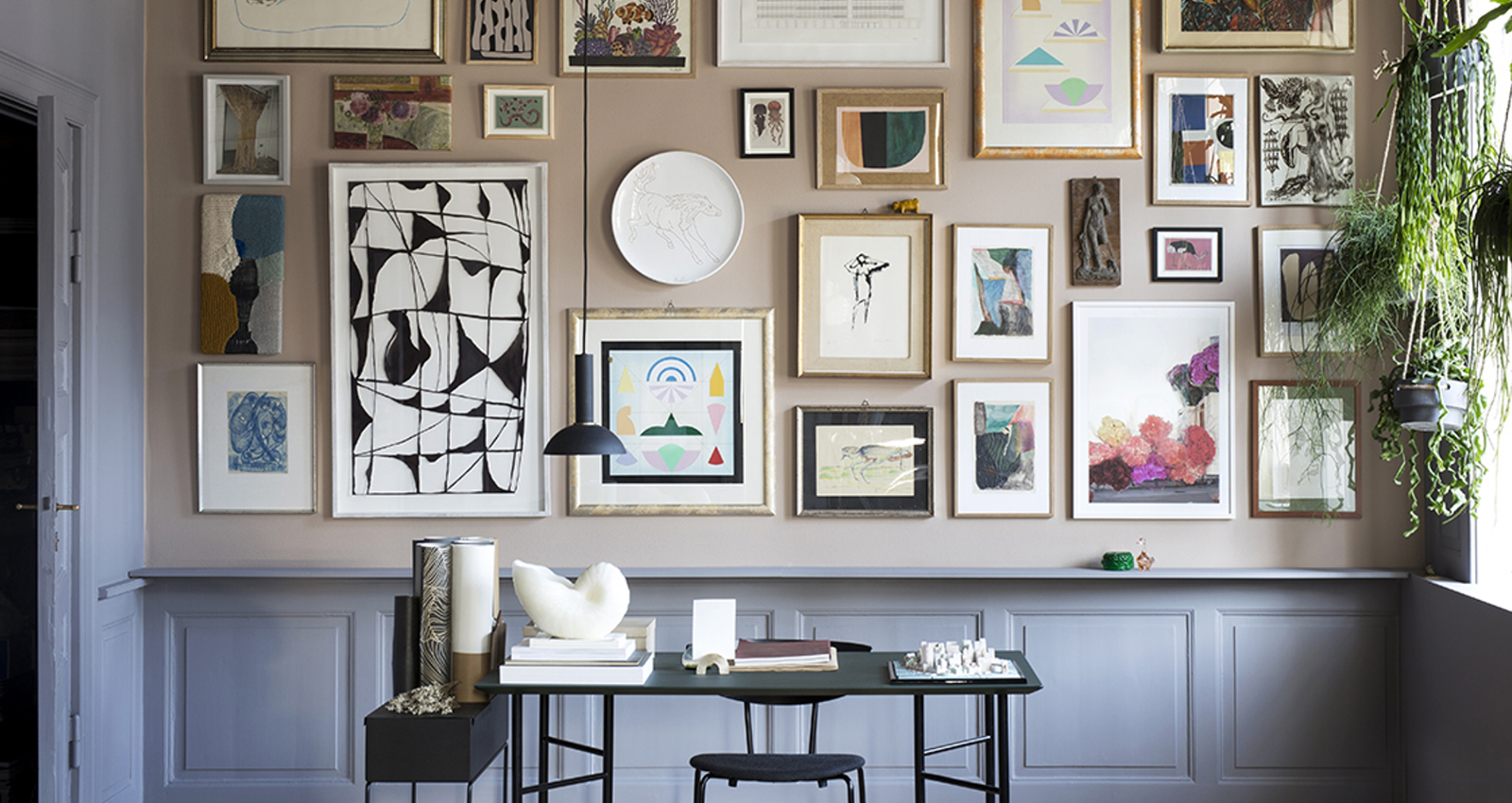
Accent lighting is used to draw the eye away from the intense focus of the computer screen, providing visual relief and dimension to the room.
Connect with our lighting design experts for personalized home office lighting recommendations tailored to your workspace layout, task requirements, and design aesthetic. Schedule a complimentary consultation for professional guidance on desk lamp selection, glare control, color temperature optimization, and layered lighting strategies that enhance focus, reduce eye strain, and support productive work throughout the day. Explore our How-To Guides for installation tips and home office lighting inspiration.
Stay tuned with
deals & trends
Sign up to receive access to exclusive sales & promotions!
This site is protected by reCAPTCHA and the Google Privacy Policy and Terms of Service apply.




 (312) 944-1000
 215 W. Chicago Avenue, Chicago, IL 60654